
📊 Usage Stats in Moneytor
The Usage Stats feature in Moneytor provides you with a clear overview of your household’s activity and engagement within the platform. This dashboard is designed to help you understand how you and your household members are using Moneytor, track your progress, and ensure you’re getting the most out of your subscription.
Where to Find Usage Stats
You can view your Usage Stats in two main places:
- Profile Page: Navigate to your profile and select the “Usage Stats” tab for a complete summary of your household’s activity.
- Subscribe Page: When managing your subscription, you’ll see your current usage stats, helping you decide if you need to upgrade your plan.
Understanding Your Usage Metrics
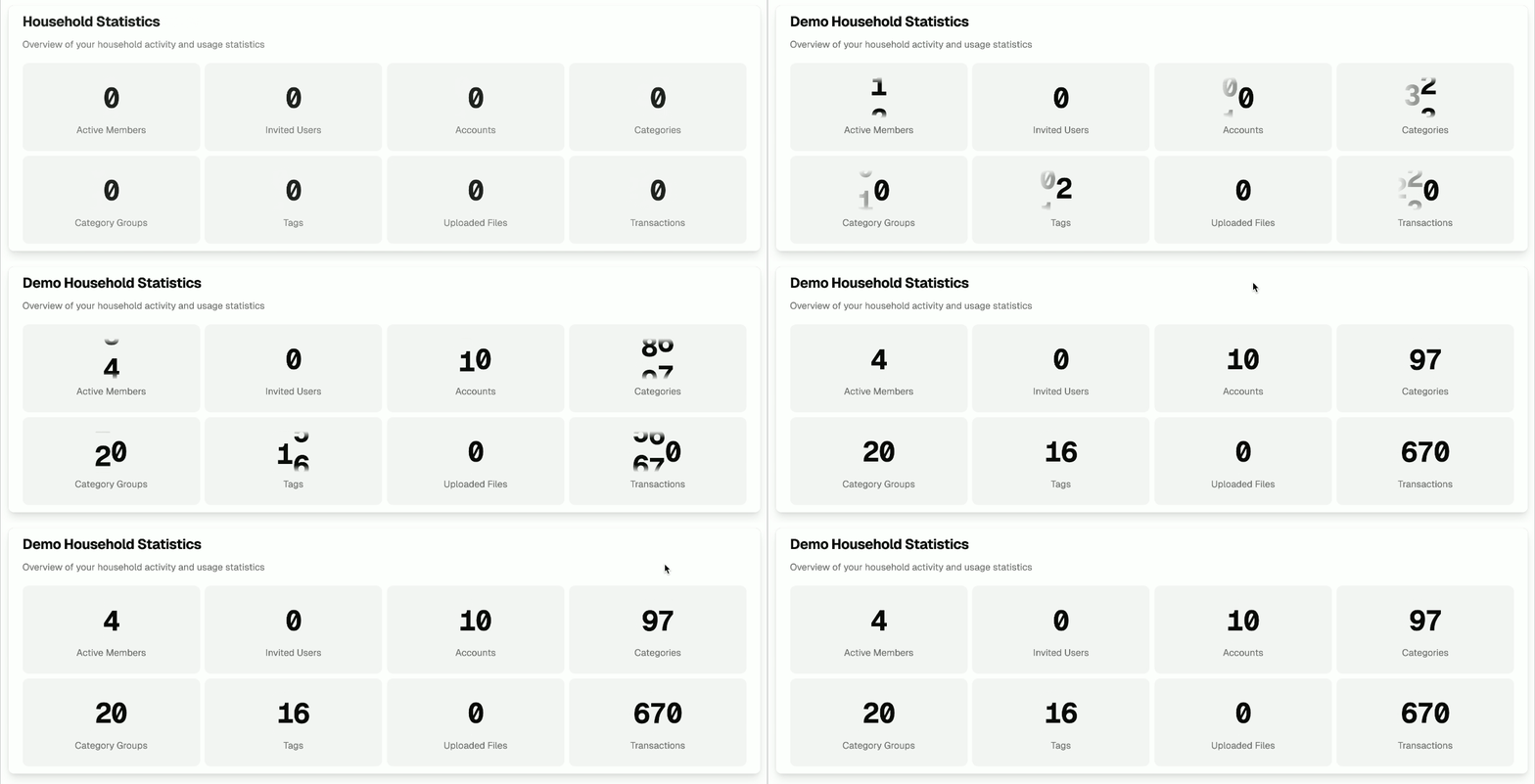
Your Usage Stats are a collection of key metrics that summarize your household’s activity. They are always up-to-date and calculated in real time. Here’s what each one means:
- Active Members: The number of users who have accepted an invitation and are currently active in your household.
- Invited Users: The total count of users you’ve sent an invitation to, including those who have not yet accepted.
- Accounts: The total number of financial accounts (e.g., bank, asset, debt) you are tracking in Moneytor.
- Categories: The total number of unique spending and income categories you have created.
- Category Groups: The number of custom groups you’ve set up to organize your categories.
- Tags: The number of unique tags you have created to label and search for transactions.
- Uploaded Files: The total number of CSV files you have uploaded to import transactions.
- Transactions: The total number of transactions across all your accounts, whether imported via CDR, from a CSV file, or entered manually.
Why Are Usage Stats Important?
- Track Your Progress: See how actively you are using the platform to manage your finances.
- Subscription Management: Understand your usage in relation to your plan’s limits so you know when it might be time to upgrade.
- Household Engagement: Monitor how many household members are actively participating.
- Data Health: Get a quick sense of how well your account is set up (e.g., if you have accounts and categories configured).
Tips for Getting the Most Out of Usage Stats
- Regularly review your stats to ensure you’re making full use of Moneytor’s features.
- If you’re approaching your subscription limits, consider upgrading your plan to avoid any interruption in service.
- Use the stats to encourage other household members to stay engaged and keep your financial data current.